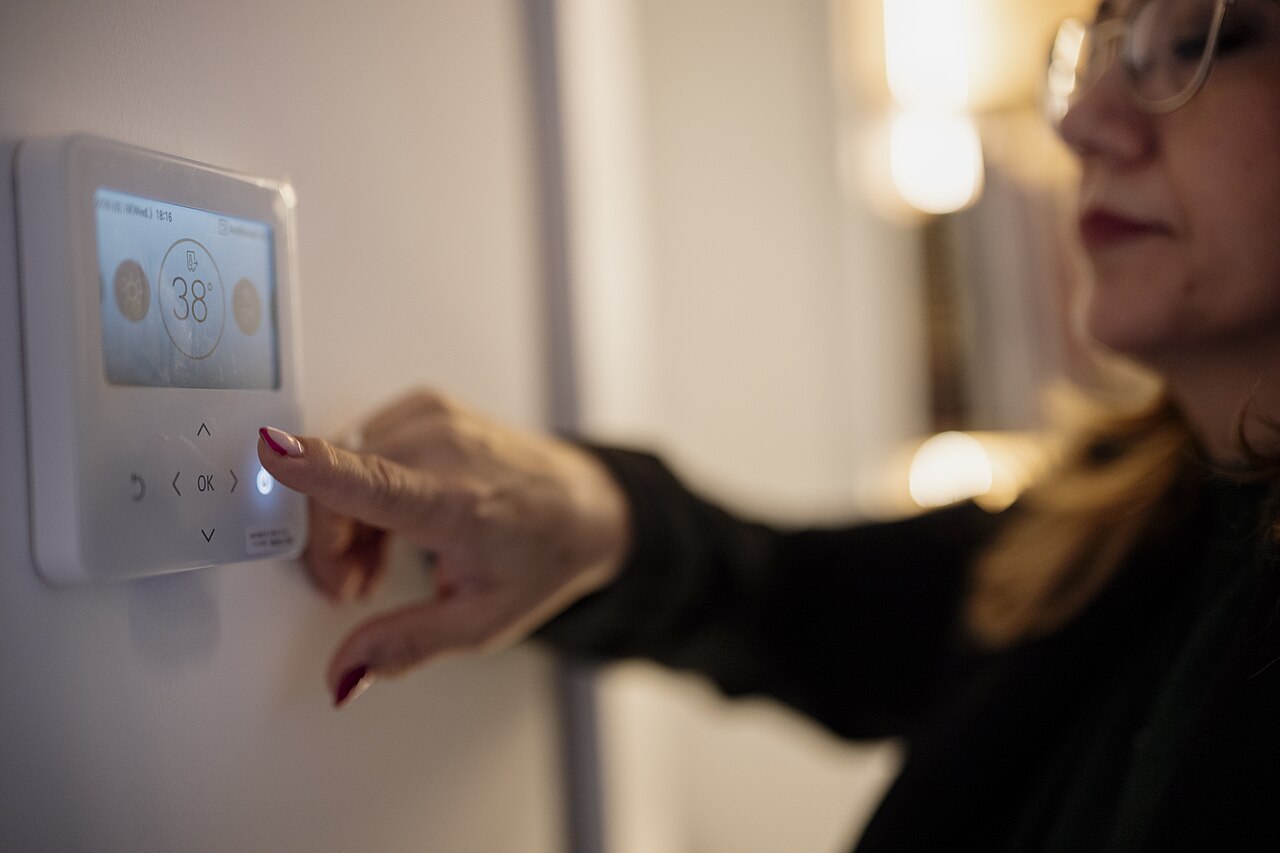
It’s a sweltering July afternoon on NE 2nd Avenue, just a few blocks from the Biscayne Bay shoreline. You step out of your apartment, the heat hitting you like a wave, and the soft click of your wall‑mounted thermostat is the only familiar sound above the street noise. You glance at the digital display and see the current set point of 78°F, but you know the house will be empty after you head to the office on Monday and you’ll be back late on Friday night. A quick 7‑day schedule could keep the home comfortable while saving energy, but you’ve never programmed one before.
What is a 7‑day thermostat schedule and why does it matter in North Miami?
A thermostat is the control panel for your HVAC (heating, ventilation, and air‑conditioning) system. A 7‑day schedule is a weekly plan that tells the thermostat when to change the temperature set point. In North Miami the humidity can stay above 70 % even at night, so letting the system run at a higher temperature when the house is empty prevents excess cooling and cuts your electric bill.
How do I access the programming menu on my thermostat?
Most modern digital thermostats have a “Menu” button. Press it, then look for a label that says “Schedule,” “Program,” or “7‑Day.” If your unit uses a touchscreen, tap the icon that looks like a calendar. The screen will ask you to choose a day of the week – start with Monday.
What temperature periods should I set for each part of the day?
Think of the day as four blocks: morning (6 am‑9 am), daytime (9 am‑5 pm), evening (5 pm‑10 pm), and night (10 pm‑6 am). For a typical workday you might set:
- Morning: 74°F – the house is warming up as you get ready.
- Daytime: 78°F – saves energy while you’re at the office.
- Evening: 74°F – comfortable when you return home.
- Night: 72°F – a cooler sleep environment.
Adjust the numbers by a degree or two based on personal comfort.
How can I set different schedules for weekdays and weekends?
After you finish programming Monday, the thermostat will usually let you copy that day to Tuesday, Wednesday, Thursday, and Friday with a “Copy” or “Repeat” option. Then select Saturday and set new periods that reflect a later wake‑up time, perhaps 75°F in the morning and 78°F during the day if you’re out. Sunday can mirror Saturday or follow a relaxed pattern.
Why should I add a vacation mode and how does it fit into the 7‑day schedule?
Vacation mode is a single‑day setting that overrides the weekly plan. If you’re leaving for a week, set the thermostat to “Vacation,” choose a start date, and pick a temperature (usually 78°F in summer). The thermostat will hold that temperature for the entire vacation, ignoring the daily blocks you created. When you return, the schedule resumes automatically.
What common mistakes should I avoid when programming the schedule?
One mistake is leaving a time slot blank. The thermostat will keep the previous temperature, which might be too low or high. Another is setting the night temperature higher than the day temperature; the system will work harder to cool down later, wasting energy. Finally, forget to save each day before moving on – most units require you to press “Done” or “Save” after each day’s settings.
Before you lock in that schedule, one sanity check is worth your time: a program only saves energy if your system actually moves air well. Weak airflow makes even a perfect schedule feel stuffy, and you’ll end up overriding it all summer long.
If button sequences feel confusing on your own unit, watching someone program a real 7-day thermostat end to end helps. This tutorial from an independent DIY creator walks through the programming and setup of one of the most common 7-day thermostat families.
The video is a homeowner-focused tutorial on programming the Honeywell RTH2510/RTH2410 series of digital 7-day thermostats. The creator walks through the setup steps on the actual unit — setting the clock and day, then building the daily schedule period by period for each day of the week, which is exactly the 7-day programming this article describes. His video series also covers the companion topics for the same thermostat family: the hidden configuration menu, manual override, factory reset, and battery replacement. If your unit is a different brand, the button labels will differ, but the rhythm is the same everywhere — pick a day, pick a time block, set the temperature, confirm, and move on. Watching one full schedule being entered takes the mystery out of doing it on your own wall.
How does the thermostat actually change the temperature?
The thermostat measures the indoor air temperature with a sensor. When the current temperature is higher than the set point, it sends a signal to the air‑conditioner’s compressor to turn on. When the temperature drops below the set point, it tells the compressor to stop. Think of the thermostat like a traffic light: green means “run the AC,” red means “stop.” This simple on/off control repeats every time the schedule changes.
Can I use the same schedule for a smart thermostat?
Smart thermostats add Wi‑Fi connectivity, so you can adjust the schedule from a phone app. The basic steps are identical – you still create daily blocks – but the interface may use sliders instead of number entry. The same principles of weekday vs. weekend blocks apply.
What do most people ask about 7‑day thermostat schedules?
Will a schedule actually lower my electric bill?
It can, because the savings come from runtime you eliminate, not magic. Every hour your AC sits at 78°F instead of 74°F while nobody is home is an hour the compressor rests instead of cycling. In South Florida, where cooling runs most of the year, those skipped daytime cycles add up across hundreds of days. The effect is real but modest — don’t expect a miracle, and if your bill stays high with a good schedule in place, low refrigerant charge or leaky ducts are the more likely culprits.
Should I use a different schedule in winter?
North Miami winters are mild enough that many homes barely switch to heat. If your system is a heat pump, keep one warm‑weather schedule for the long cooling season and set a much simpler winter fallback: a steady 68–70°F overnight for the few weeks you actually use heat. Avoid aggressive nighttime setbacks on a heat pump — when the backup heat strips kick on in the morning to recover, they use far more electricity than the heat pump saved you overnight.
My thermostat is an old dial model. Can it run a schedule?
No — a mechanical dial thermostat can’t change its own set point, so scheduling is impossible without an upgrade. If your AC is in good shape, swapping the dial for a basic programmable model is a small job: one tech visit, same wires, new control on the wall. That upgrade pays for itself faster than any other single change you can make to your cooling setup, because it’s the only one that runs every day without you touching it.
When to call us
If you run into any of these issues, give North Miami Air Care a call. We can help if the thermostat won’t save your program, if the HVAC system doesn’t respond to the new set points, or if you need a professional to install a new programmable unit.
Call us at (786) 892-8383. We serve North Miami and nearby neighborhoods, Monday through Saturday, 8 AM‑8 PM.